Interface design in 2026 has crossed a structural inflection point. Designers no longer spend days drawing static wireframe boxes in isolation. Powered by Generative UI canvases like v0 by Vercel, Bolt.new, Claude Artifacts, and embedded Figma AI, digital creators can now assemble production-ready, accessible, responsive component layouts in minutes.
The evolution from drawing pixels to prompt architecture
Instead of spending hours wireframing standard pricing tables, navigation bars or contact modals from scratch, front-end engineers and UI leads feed systematic tokens directly into generative AI engines. The key to high-caliber output lies in prompt precision: feeding primitive color tokens, typography scales, accessibility contrasts, and responsive breakpoint constraints into the model.
Production-Ready Generative UI Prompt
Create a dark-mode pricing tier card component using Space Grotesk headers, HSL #f97b22 orange primary CTA buttons, 24px internal padding, 1px border with 15% opacity, and responsive mobile flex stacking.
What to check: Enforces your exact design tokens so the generated React/Tailwind code integrates seamlessly into your production codebase.
Top Generative UI Canvas Tools Compared
Not all AI interface generators serve the same design stage. Depending on whether your priority is rapid prototyping or clean code generation, different canvas engines excel:
- v0 by Vercel — Ideal for generating clean React components pre-styled with Tailwind CSS and Radix UI primitives.
- Claude Artifacts — Best for rapid live previewing of complex interactive state logic and dashboard visualizers.
- Figma AI — Built for auto-layout assembly, text rewrite variations, and component variants directly inside Figma team libraries.
- Bolt.new — Excellent for instant full-stack container environments running WebContainers live in browser.
Generative UI Workflow Efficiency Impact
Measured productivity gains across digital production phases when integrating Generative UI toolstacks:
Component layouts generated in seconds rather than hours.
Clean utility classes generated directly from design prompts.
Flex and Grid stacking handled automatically across screen sizes.
Human refinement still mandatory for smooth GSAP and Framer animations.
Where AI excels and where human craft is non-negotiable
AI excels at generating structural options, responsive flex grids, and boilerplate code. However, AI cannot feel brand emotion or fine-tune bespoke motion curves. The final 20%—the physics of a scroll interaction, the subtle glassmorphism blur, and the narrative flow—remains purely human.
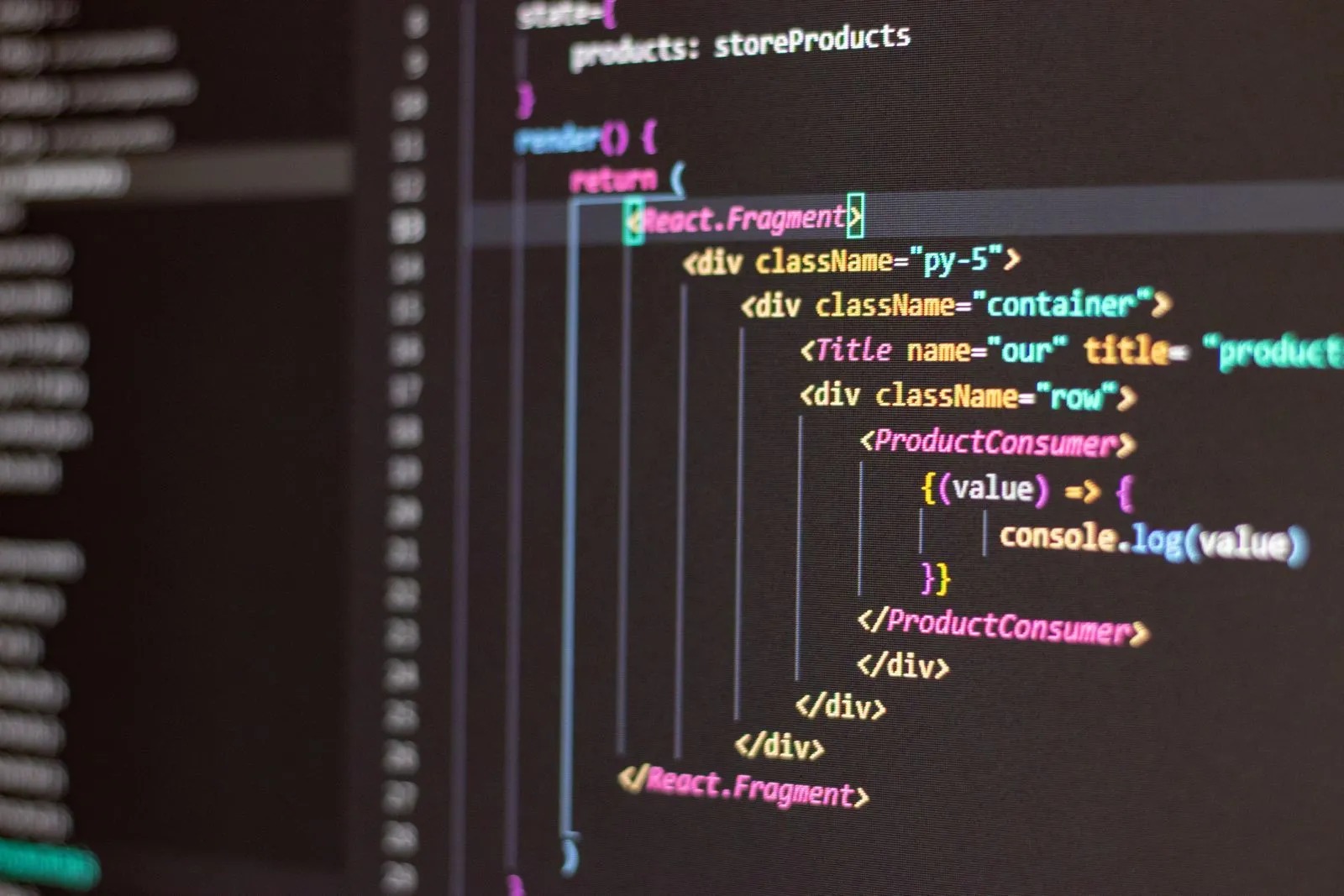
Benefits of Generative UI
- Reduces component boilerplate time by up to 80%
- Allows client testing with multiple layout variations on day one
- Enforces responsive Tailwind CSS structure out of the box
Current AI Constraints
- Requires strong human curation to prevent generic visual patterns
- Cannot fine-tune complex WebGL or GSAP animation timelines